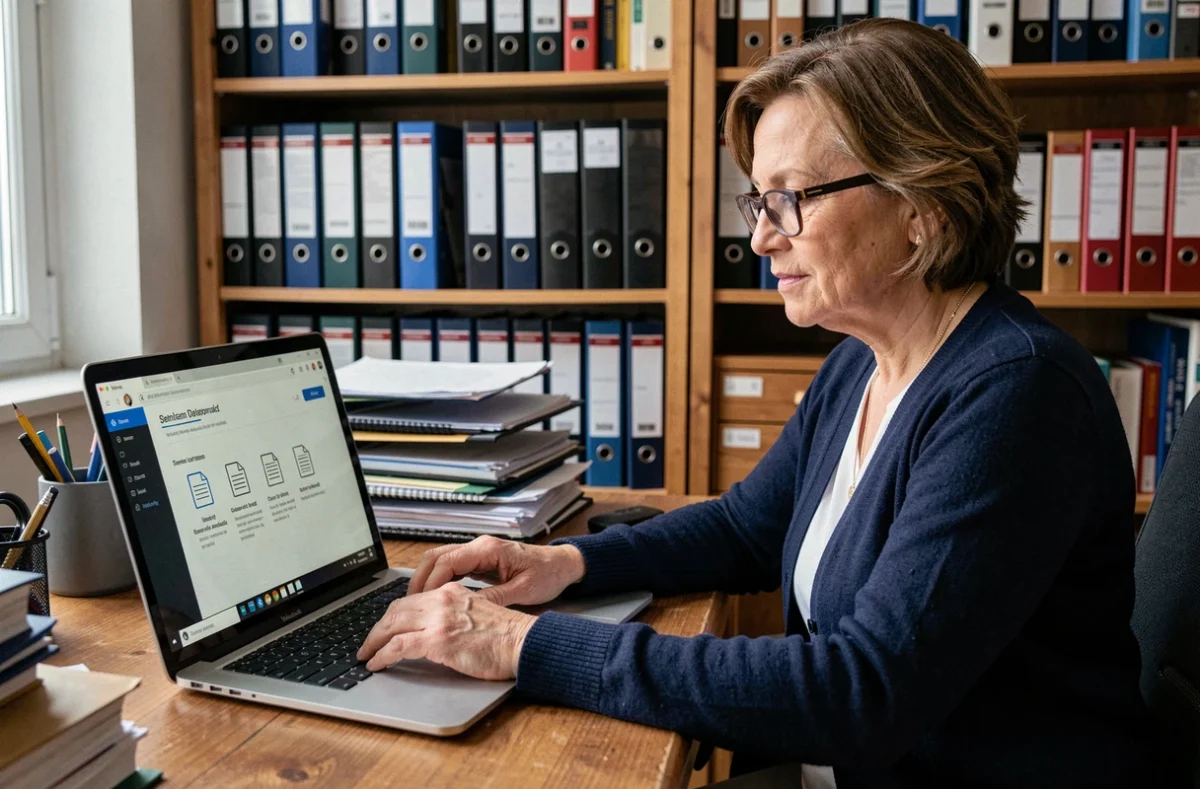
Managing the guardianship of a loved one involves monitoring their accounts, organizing receipts, and sending documents to the designated controller. My Proxima, published by Tutelle Au Quotidien, centralizes these tasks on an online portal. Before looking for a download button, it’s essential to understand a fundamental point: My Proxima is not a traditional application available on a store.
My Proxima: web portal, not an application to install
Confusion is common. When typing “download My Proxima” into a search engine, one expects to find an .exe file or a listing on the App Store. This is not the case.
My Proxima is a web portal accessible from monproxima.fr, using any up-to-date browser (Chrome, Firefox, Safari). No installation on the hard drive or phone memory is necessary. On a smartphone or tablet, you can create a shortcut on the home screen to access it like an application, without going through a store.
This distinction changes the approach: instead of looking for software to download the software My Proxima for guardianship, you need to obtain login credentials. And these credentials are not created by oneself.

Obtain your credentials from the judicial representative
You have found the portal, but the login page asks for a username and password. Where can you find them?
It is the judicial representative (MJPM) or the guardianship service that grants access. Specifically, the professional managing the protective measure creates the file in the Proxima software and then decides whether or not to activate the My Proxima space for the family or the protected adult. Without this activation, no access is possible.
Contact the right person
If you are a family caregiver or a member of the family council, contact the designated representative directly in the guardianship ruling. Specify that you wish to consult the documents and management tracking via My Proxima.
The representative may refuse access for reasons related to the measure or the applicant’s profile. In this case, the appeal process goes through the guardianship judge, who can order the transmission of information.
First login: what to check
- The exact address of the portal is monproxima.fr, not another domain. Check for the presence of the HTTPS lock in the address bar before entering your credentials.
- Change the temporary password upon first login. Choose a combination of at least twelve characters mixing letters, numbers, and symbols.
- If you are using a shared device (tablet in a nursing home, family computer), do not check the “stay connected” option and log out after each session.
Useful features for monitoring guardianship on My Proxima
Once logged in, the portal provides access to the information that the representative has chosen to share. The level of detail varies according to the configuration decided by the professional.
The annual management account is the central document. It outlines the resources received, the expenses incurred, and the savings movements of the protected adult. The guardian has a legal obligation to maintain it and transmit it to the competent controller, whether it is a designated family member, a notary, or another qualified professional.
Organizing and retrieving supporting documents
Many guides limit themselves to the login process. In practice, the daily challenge lies in organizing the receipts: invoices, bank statements, rent receipts, insurance certificates.
My Proxima allows you to view the documents attached to the file. Make it a habit to regularly check that the documents correspond to the lines of the management account. A missing receipt can block the validation of the annual account by the controller.
Reminder on transmission deadlines
The management account must be transmitted within the deadlines set by the ruling. A delay exposes the guardian to reminders from the judge. My Proxima does not automatically generate reminders: note the deadlines in a separate calendar.
Security of personal data on My Proxima
The portal contains sensitive information: civil status, banking data, possible medical documents. The protection of this data does not rely solely on the software.
- Never transmit your credentials via email or SMS. If a third party needs them, ask the representative to create a separate access.
- Update the browser on the device used. Security vulnerabilities in outdated browsers are the most common attack vector.
- Always log out after each session, especially on a device that is not strictly personal.
- In case of suspected unauthorized access, contact the representative immediately to reset the credentials.
Using a digital tool does not exempt the guardian from legal obligations. My Proxima facilitates monitoring but does not equate to judicial validation or approval of the management account. Control remains in the hands of the guardianship judge and the designated controller.
Before looking for a file to install, remember this sequence: contact the representative, obtain the credentials, log in at monproxima.fr, and then secure your access. The rest, consulting accounts and organizing documents, becomes a routine of a few minutes per month.